

Text in motion
A title that arrives word by word reads as designed; the same title fading in as one block reads as a slide. This page is about the word-by-word kind — staggered reveals, the typewriter, karaoke highlights, and wipes — and about the one thing that makes or breaks all of them: pacing.
Everything here builds on the basics in Animate a layer — the presets, the ⌘K palette, and the timeline are the same; text just adds a per-unit twist.
Staggered reveals
Section titled “Staggered reveals”Any entrance or exit on a text layer can be staggered: instead of the whole layer moving at once, each character, word, or line runs the animation on its own, offset from the last. A slide-up entrance staggered by word is the classic headline reveal.
Add an entrance, then in its settings add a Stagger and choose:
- By —
character,word, orline. - Direction —
forward(first to last),reverse,center(outward from the middle), orrandom. - Delay — the gap between units, in seconds.
Or say it in ⌘K: “slide up by word”, “fade in by character from center”, “80ms apart”, “reverse”.
Which unit to pick:
- Word — the default for headlines and captions. Reads naturally.
- Character — short, punchy labels only. Per-letter on a long line takes too long and reads gimmicky.
- Line — stacked statements, one thought per line.
Typewriter
Section titled “Typewriter”The Typewriter entrance reveals text one character at a time — real typing with hard steps, not a smooth wipe. It’s in the Quick Animations grid for text layers, or “typewriter” in ⌘K. The animation’s duration sets the typing speed: same text in half the time types twice as fast.
One honest note: the typing effect comes from the stepped timing, so leave its easing alone. Putting a smooth curve on a typewriter turns it back into a wipe — if a wipe is what you want, the next preset is the right tool.
Reveal wipe
Section titled “Reveal wipe”Reveal wipe uncovers the text with one smooth left-to-right sweep — the polished cousin of the typewriter. Use it when you want the reveal without the keystroke feel: lower thirds, elegant titles, logos with a wordmark.
Karaoke highlight
Section titled “Karaoke highlight”The Highlight entrance doesn’t move the text at all. Every word is visible the whole time; each one changes colour at its own moment — dim to bright, karaoke-style. It needs a stagger (that’s what gives each word its moment), and with no colours chosen it defaults to dim text lighting up to white.
This is the treatment for lyric videos and spoken-word captions where the line should be readable before it’s spoken.
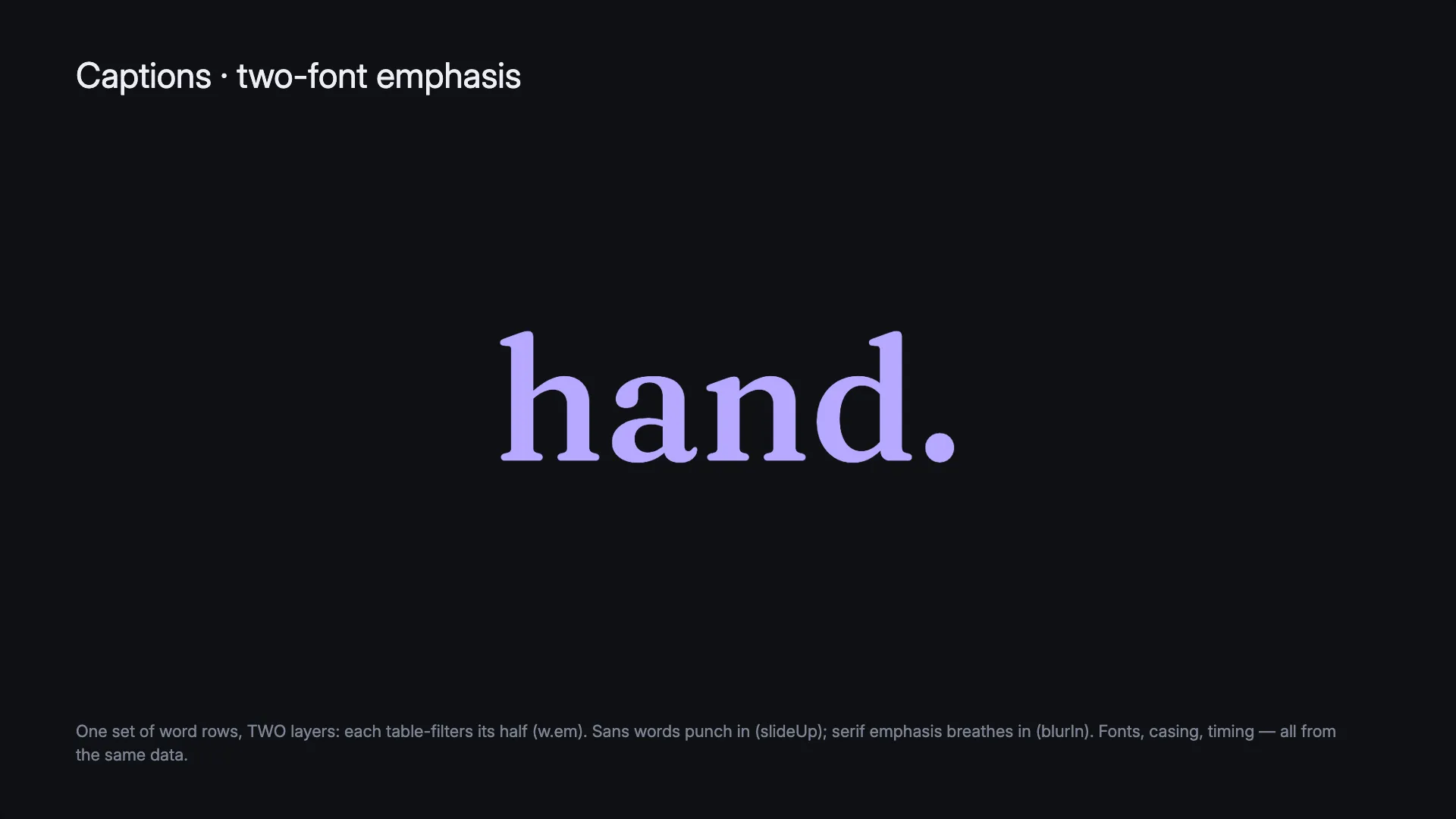
Want the highlight to follow a real voice, word for word? That’s the data system’s job — see captions from a transcript, where each word carries its actual spoken timing and follows your cuts.
Pacing people can read
Section titled “Pacing people can read”The most common mistake with text in motion isn’t the animation — it’s text leaving before anyone has read it. The numbers that work:
- Reading takes ~0.3 s per word. A five-word line needs about 1.5 s of still, settled time — after the entrance finishes, before the exit starts.
- Hold at least 0.5 s settled, even for two words. Practical floor: ~1 s on screen. Titles and lower thirds: 4–6 s.
- Stagger 0.05–0.15 s per unit. Tighter reads as one motion; looser starts to feel like a list.
- Ease out on the way in, ease in on the way out. Never linear on text — it reads robotic.
- One moment per scene. Animate the line that matters and let the rest be still. Everything moving at once is the amateur tell.
A quick sanity check: play the scene and read the text aloud. If you run out of time, the text does too.
Data-driven text
Section titled “Data-driven text”Staggers space units evenly. When the timing should come from somewhere real — a voice, a spreadsheet, a countdown — hand the text to the data system:
- Captions from a transcript — one copy per spoken word, each timed to the recording, following your edit.
- Per-word caption patterns — the popular treatments, ready to copy.
The two systems compose: design the template word’s entrance here, and the data decides when each copy fires.